

Gemini for Mac can now use your Mac for you. Google started rolling out computer use in the Gemini app for Mac on November 19, 2026, and it turns the chatbot into something closer to a temp worker who borrows your desk: you describe what you need, and Gemini handles the clicking, typing, menus and forms — in a background window, while you keep using your own screen and cursor. It is the biggest change to Gemini on desktop since the app launched, and it lands the same week Apple was reported to be building its own Mac agent.
Key takeaways
- Computer use in the Gemini app for Mac started rolling out November 19, 2026, in the US in English.
- It is available to Google AI Plus ($4.99/month), Pro ($19.99/month) and Ultra subscribers — not free accounts.
- Gemini works in an isolated background window with a live preview, so your screen and cursor stay yours.
- You choose which apps Gemini can access, watch every step live, pause at any time, and approve key actions; the agent stops by itself at logins, payments and sensitive actions.
- It requires an Apple Silicon Mac running macOS Sequoia 15.0 or later, plus Accessibility and Screen & System Audio Recording permissions.
What Gemini can do on your Mac now
Computer use lets Gemini click buttons, type into fields, open menus and fill in forms across desktop apps, local files and websites. Michael Friedman, group product manager for the Gemini app, summed up the pitch in Google’s announcement: “Just describe what you need, and Gemini handles the clicking, typing, menus and forms for you.”
Google highlighted four kinds of jobs to show what that means in practice:
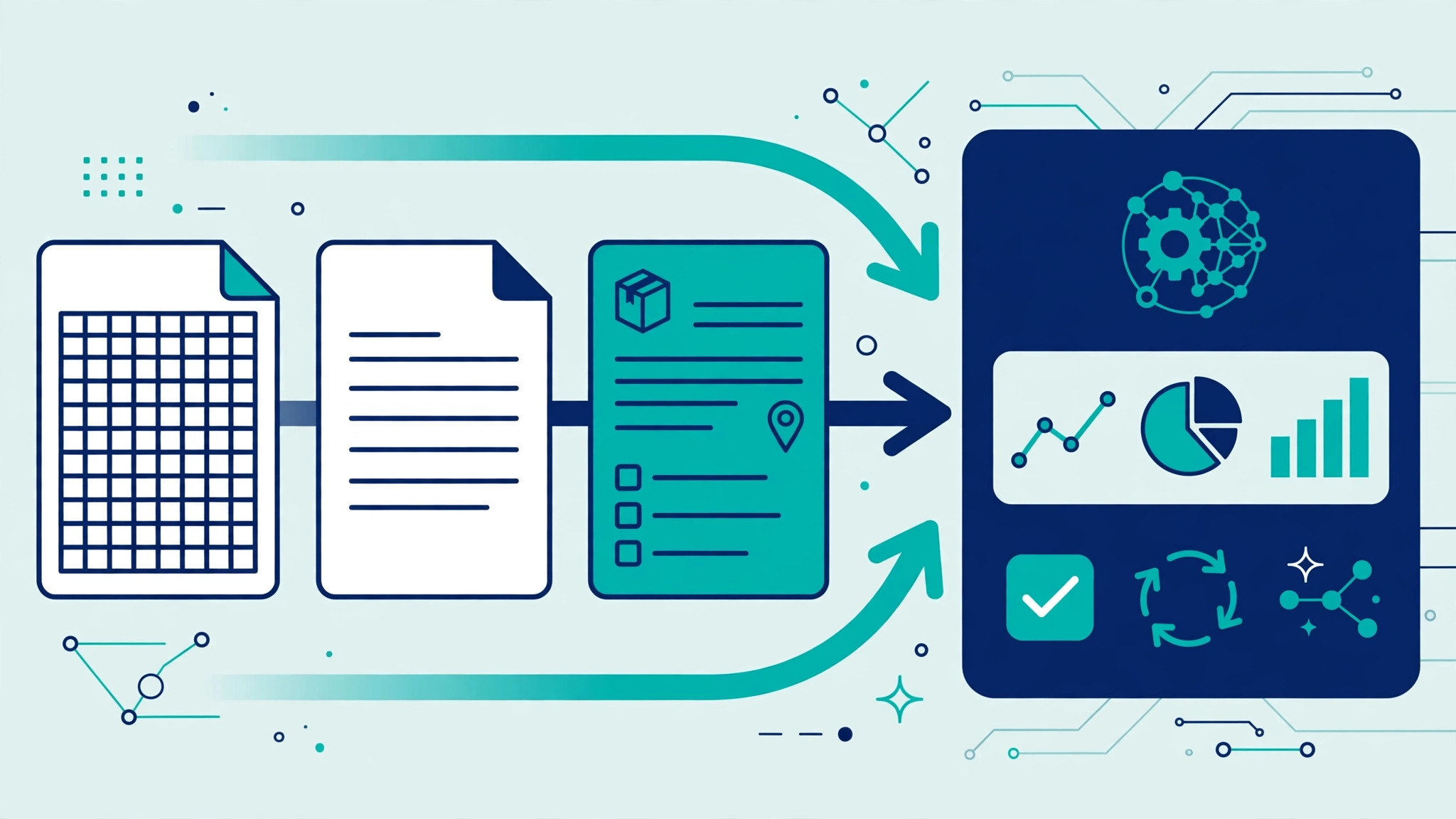
- Skip manual form entry: extract weights, dimensions and addresses from local PDFs to fill out multi-box shipping quotes.
- Turn live data into decks: pull screenshots and metrics from live dashboards across regions and build them into a presentation in Google Slides.
- Creative work: edit photos or create 3D scenes in design software — Google’s demo turns a quick sketch into a rigged 3D model in Blender.
- Shopping and resale: analyze photos of clothes in a folder, research prices, and stage listings on resale platforms.
The design choice that matters most is where the work happens. Gemini runs inside an isolated background window with a live preview right in your chat, so you can watch each click land while you type an email or take a call. That is a deliberate contrast with agents that take over your whole screen: Google’s version works alongside you rather than in place of you.
How the safety controls work
An agent that can click and type on your behalf needs serious guardrails, and Google has built in three layers. First, macOS itself has to grant two permissions before Gemini can act at all: Accessibility, which allows an app to press buttons and type on your behalf, and Screen & System Audio Recording, which allows it to see what is on the display so it can locate a button before it clicks.
Second, Gemini adds its own controls inside the app. You pick which apps the agent is allowed to use, you watch every step in the preview pane, and you can pause the task at any point. Third, the agent stops by itself at logins, payments and actions Google classes as sensitive, and asks you to approve key actions before they happen.
That is a sensible setup, but it is worth being clear-eyed about what you are granting. Accessibility plus screen recording is the deepest access a Mac app can request — the same permissions Apple is now warning users about in the macOS 27.3 beta for third-party agents. If you turn computer use on, limit Gemini to the apps it actually needs, and check the app list in the Gemini settings before handing it a task involving files you care about.
Who gets it — and what it costs
Computer use is reaching US English accounts first, and only on the three paid tiers. That means:
- Google AI Plus — $4.99 a month: the cheapest way in, with Gemini 4 Hydrogen.
- Google AI Pro — $19.99 a month: adds Gemini 4 Neon, the deeper model we covered in our Gemini 4 Neon breakdown.
- Google AI Ultra — $99.99 or $199.99 a month: adds Carbon, the most powerful model, plus the YouTube Premium Family plan we examined in our Google AI Ultra guide.
Free Gemini accounts are outside the first wave, and so are other languages for now. You also need an Apple Silicon Mac running macOS Sequoia 15.0 or later — Intel Macs are excluded. The Gemini app for Mac is available to download at gemini.google/mac.
The timing is no accident. Google made its background Tasks agent free in six countries — including the US — just two days earlier, and Gemini 4 Hydrogen now powers AI Mode in Google Search, as we covered in Google Gemini 4 in Search: 7 Big Changes US Users Get in Nov 2026. Google is moving fast to make Gemini the agent that does things, not just the chatbot that answers questions.
Gemini vs the Mac agent race
Gemini computer use does not arrive in a vacuum. OpenAI’s Dots assistant is chasing the same idea, as we explain in OpenAI Dots Explained, and Apple was reported this week to be building its own computer-using agent for the Mac, while tightening the permissions rival agents need in macOS 27.3. The Mac has quietly become the main battleground for AI agents, because it is where people do their real work — documents, code, design, spreadsheets.
Google’s advantage is that it is shipping now, inside an app millions of people already have, at a starting price of $4.99 a month. Its disadvantage is the one every third-party agent faces on the Mac: it lives or dies by permissions Apple controls, and Apple has just made those permissions harder to grant. For now, though, if you are a paying Gemini subscriber with an Apple Silicon Mac, this is the most capable agent you can actually use today.

What it means for US users
For most people, the honest verdict is: try it on a boring task first. Give Gemini a low-stakes job — copy figures from a PDF into a spreadsheet, fill in a form you have filled in ten times before — and watch the preview to see how it handles the clicks. If it saves you real time without mistakes, it is worth the Plus subscription. If it fumbles, you have lost ten minutes, not a deadline.
The bigger picture is that the agent era has now reached the Mac in earnest. Within a single week, Google shipped computer use, Apple was reported to be building its own agent, and macOS started warning users about handing agents full control. The next year of Mac software will be defined by this tension: agents that can do your work for you, and the permissions that decide how much of your computer they are allowed to touch.
FAQ
What is computer use in the Gemini app for Mac?
When did Gemini computer use launch on Mac?
How much does Gemini computer use cost?
What Mac do I need for Gemini computer use?
Is Gemini computer use safe?
Gemini for Mac is the first mainstream AI agent that can actually do your computer work for you — and it costs as little as $4.99 a month if you are already paying for Google AI. The question now is whether it is careful enough to trust with your files. Try it on something boring first, and watch it work.
Sources: Google Gemini app announcement via Google Blog (Nov 19, 2026); NewsBytes (Nov 20, 2026); Digit (Nov 20, 2026); PPC Land (Nov 19, 2026).
External sources: NewsBytes · Digit