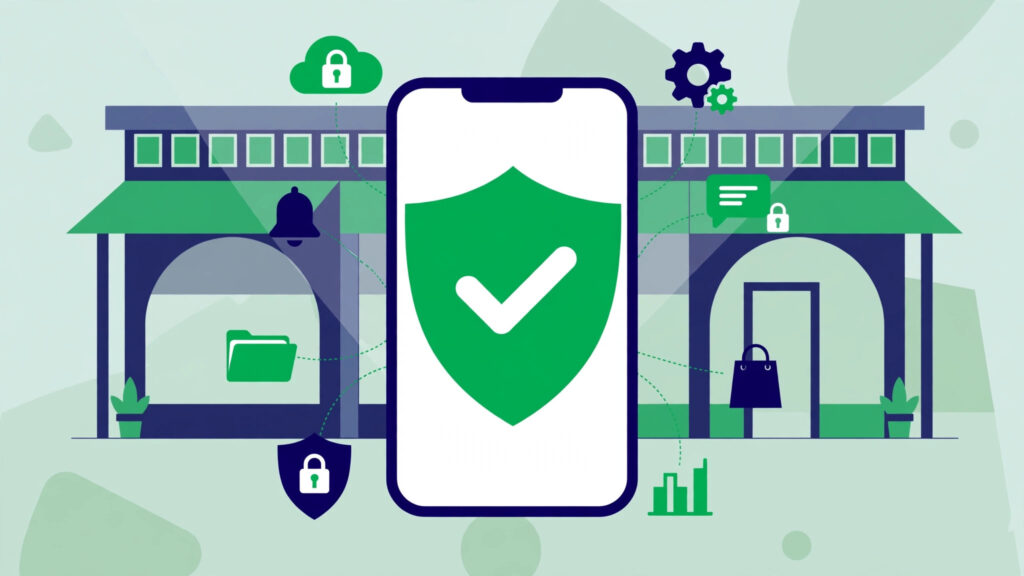
Starting in January 2027, Google will check who made an app before your Android phone installs it — no matter where the app came from. Google has announced the global expansion of Android developer verification, the biggest change to how Android apps are installed since the platform launched. It is already live in four countries, and it is coming to the United States next. If you sideload apps, develop apps, or wonder why a strange new system app appeared on your phone, here is what is changing and what to do about it.
Key takeaways
- Google will expand Android developer verification globally starting in January 2027, after launching it on September 30, 2026 in Brazil, Indonesia, Singapore and Thailand.
- Every developer must verify their identity with Google and register their apps — even apps outside Google Play, including sideloaded APKs.
- The rollout begins with seven app stores: Google Play, Galaxy Store, Honor, Oppo, Xiaomi, Transsion and Vivo, then expands over months to all countries and install sources on certified devices.
- Developers pay a one-time $25 registration fee and provide a government ID; students and hobbyists can use limited distribution accounts for up to 50 devices with no fee or ID.
- Power users can still install unverified apps, but only through a deliberately harder path: Developer options, a 24-hour wait, and a fingerprint or face confirmation.
What Android developer verification actually is
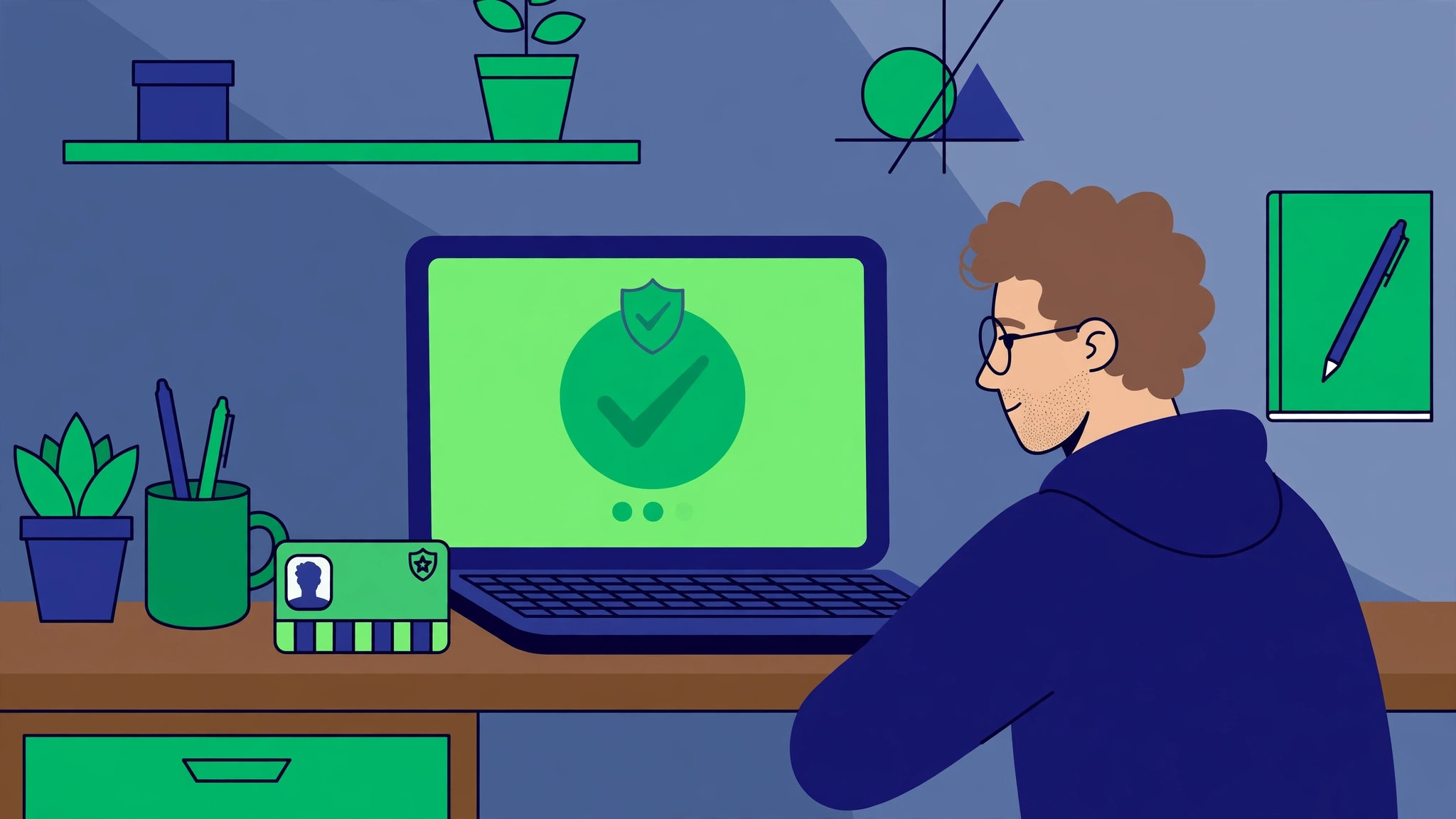
The idea is simple, and it is not about checking your apps for malware — it is about checking who made them. Under the program, every Android developer has to register with Google: verify their legal identity with a government-issued ID, pay a one-time $25 fee for a full account, and register each app’s package name together with the certificate of the key used to sign it. Google then binds that identity to that signing key and those package names.
Google’s stated reason is malware. The company says apps from outside Google Play carry far more malware than Play apps, and that scammers who get banned can currently publish the same harmful app again under a new name within minutes. Verification is meant to break that cycle: a banned developer cannot just reappear as someone else, because the identity check ties them to their apps.
Crucially, the requirement does not stop at the Play Store. It covers apps distributed through other stores, apps shared directly between people, and builds a hobbyist makes for personal use. A developer who does not register will see their apps lose the normal install experience on certified Android devices — which is nearly every Android phone sold in the US.
The timeline: what happens, and when
| When | What happens |
|---|---|
| March 2026 | Verification opens to all developers in Play Console and the Android Developer Console. |
| September 30, 2026 | Protections go live in Brazil, Indonesia, Singapore and Thailand for apps from seven stores, on certified devices running Android 7.0 or newer. Every app on Google Play had to be registered or be removed from Play worldwide. |
| January 2027 | Global rollout begins with the same seven distributors: Google Play, Galaxy Store, Honor, Oppo, Xiaomi, Transsion and Vivo. |
| Over the following months | Protections expand gradually to all countries and all installation sources on certified Android devices. |
Google says millions of apps have already been registered since verification opened to everyone in March, representing over 99% of all Android app installs. About 99% of Play apps were registered automatically using the identity developers had already verified for Play Console. The January date is the one that matters for US users: that is when the checks start applying to the apps on your phone.
What changes for regular Android users
For most people, the honest answer is: very little, and that is by design. If you install apps only from Google Play, you will not notice anything — 99% of Play apps are already registered. The change matters in three situations.
You sideload apps. If you install APKs from a developer’s website, a third-party store, or a friend, those apps will need to come from a verified developer to install normally. If the developer has not registered, the normal install path will refuse the app. That is the whole point of the policy, and it is also the part drawing the most criticism.
You use small or indie apps. A hobbyist developer who never registered could see their app blocked on your phone, even if the app itself is harmless. Google’s answer is the limited distribution account: students and hobbyists can share an app with up to 50 authorized devices with no government ID and no fee — a limit Google recently raised from 20 to 50 after developer feedback.
You see a new system app. You may have noticed an app called Android Developer Verifier appearing on your phone. It is a Google system component, delivered through system updates, that performs the verification check at install time. It is not malware, and you should not try to remove it.
The escape hatch for power users — and why it is deliberately hard
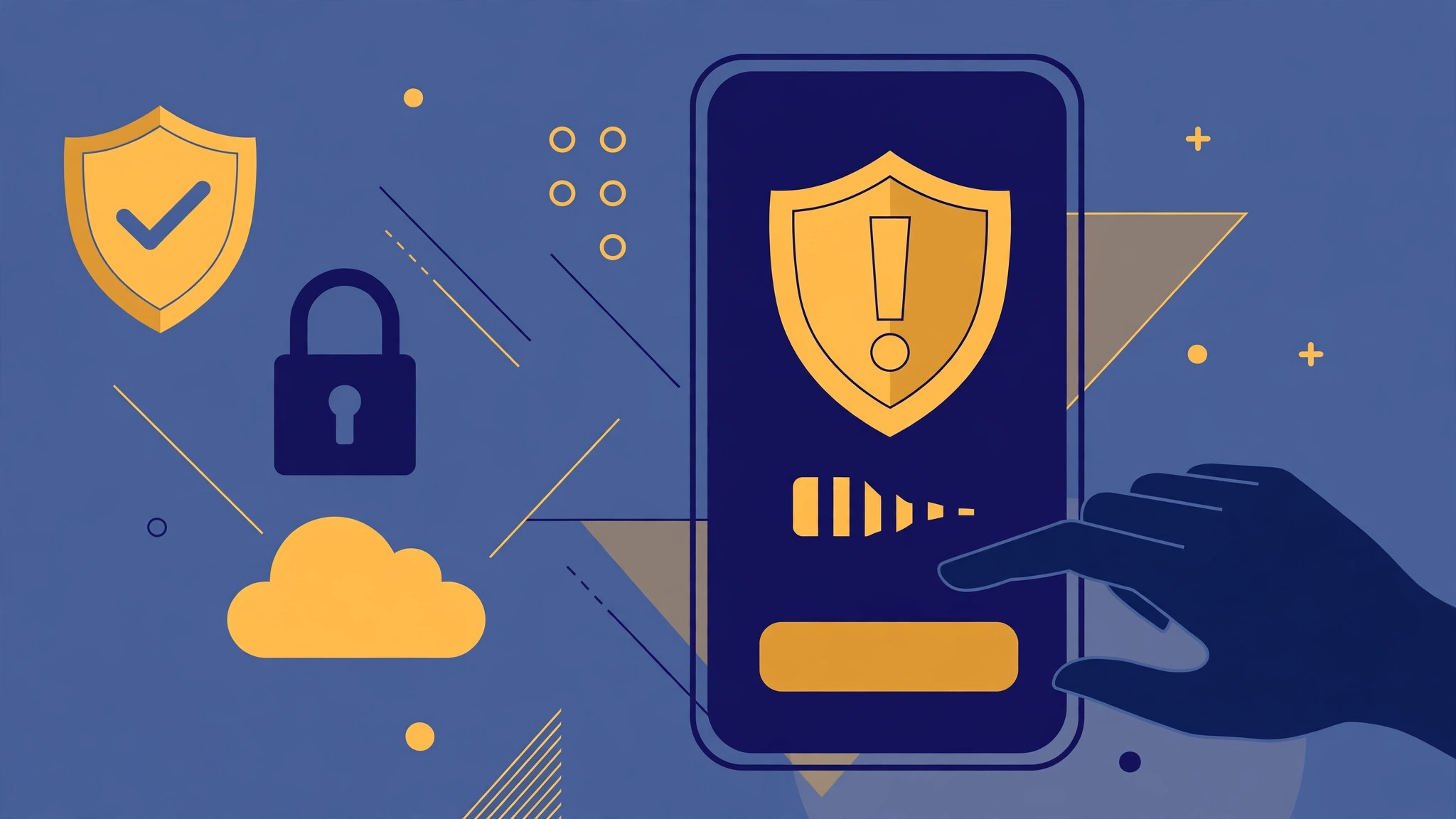
Google has left a side door open, and it has made it deliberately awkward to use. If you really want to install an app from an unverified developer, you can: open Developer options, choose “Apps from unverified developers,” turn on “Allow apps from unverified developers,” then wait 24 hours and confirm with your fingerprint or face. The wait and the biometric step are the point — Google wants the path to exist for people who genuinely want it, while making sure nobody stumbles into it by accident, or gets talked into it by a scammer.
There are also outright exemptions. The requirement applies to certified Android devices — phones that ship with Google’s services. Non-certified devices and phones running plain open-source Android (AOSP) are exempt, as are regions where Google’s services are not supported.
Why developers are pushing back
The backlash has been loud, and it is worth understanding rather than dismissing. Critics, organized partly through the keepandroidopen.org campaign, argue that tying app distribution to a government ID ends the open character of Android: a developer in a sanctioned country, or without Play access, cannot verify at all, which one prominent maintainer described as gating distribution on birthplace rather than conduct. Others point out that the fallback install flow runs through Google Play Services, a proprietary component Google can change without shipping an OS update — and that the policy applies retroactively to hardware already sold.
Google has made three concessions based on developer feedback: the limited distribution accounts for students and hobbyists, registration APIs so teams can automate the process in their build pipelines, and the expanded 50-device limit. It has not budged on the core requirement. As we covered in Google’s November 2026 core update, the company is in a period of tightening control across its platforms — and Android is no exception. The same verification-first thinking shows up in the company’s newest hardware too, including the Android XR glasses launching December 10, which run on the same Google account and identity systems.
What to do now
If you are a developer distributing apps outside Google Play: do not wait for January. Create an Android Developer Console account, verify your identity and register your apps now — Google says the process takes less than 10 minutes. If your apps are on Google Play, open Play Console and check the home page for any notice about unregistered apps. If you are a student or hobbyist, set up a limited distribution account before you share your next build.
If you are a regular user: you do not need to do anything — but be ready for one change. The first time you sideload an app from a developer who has not registered, the install will fail or warn you. That is the system working as designed, not a bug. And if an app or a website ever tells you to enable “apps from unverified developers” to install something, treat that as a red flag: it is asking you to walk through the exact door Google built for scammers to exploit. Our guide to spotting AI scams and deepfakes covers the same rule in a different form — if an install needs you to disable a safety check, stop and ask why.
FAQ
What is Android developer verification?
When does Android developer verification start in the US?
Can I still sideload apps on Android in 2027?
How much does Android developer verification cost?
What is the Android Developer Verifier app on my phone?
Android developer verification is the end of the era when anyone could ship an app to any Android phone with no questions asked. For most users it will be invisible. For developers, indie apps and sideloaders, January 2027 is the deadline — register now, or your app stops installing the normal way.
Sources: Android Developers Blog via Neowin (Nov 19, 2026); FoneArena (Nov 20, 2026); Help Net Security (Nov 20, 2026); Computer and Mobile guide to Android developer verification.
External sources: Neowin · FoneArena